One tap and you're protected.
VPN Lite is a light, easy VPN for iPhone and iPad. Connect in one tap, choose a country or city on a live map, and stay covered on public Wi-Fi.
 iPhone and iPad · iOS 17 or later
Everything you need, nothing you don't
No sign-up, no subscription, no settings to learn. Open the app and tap Connect.
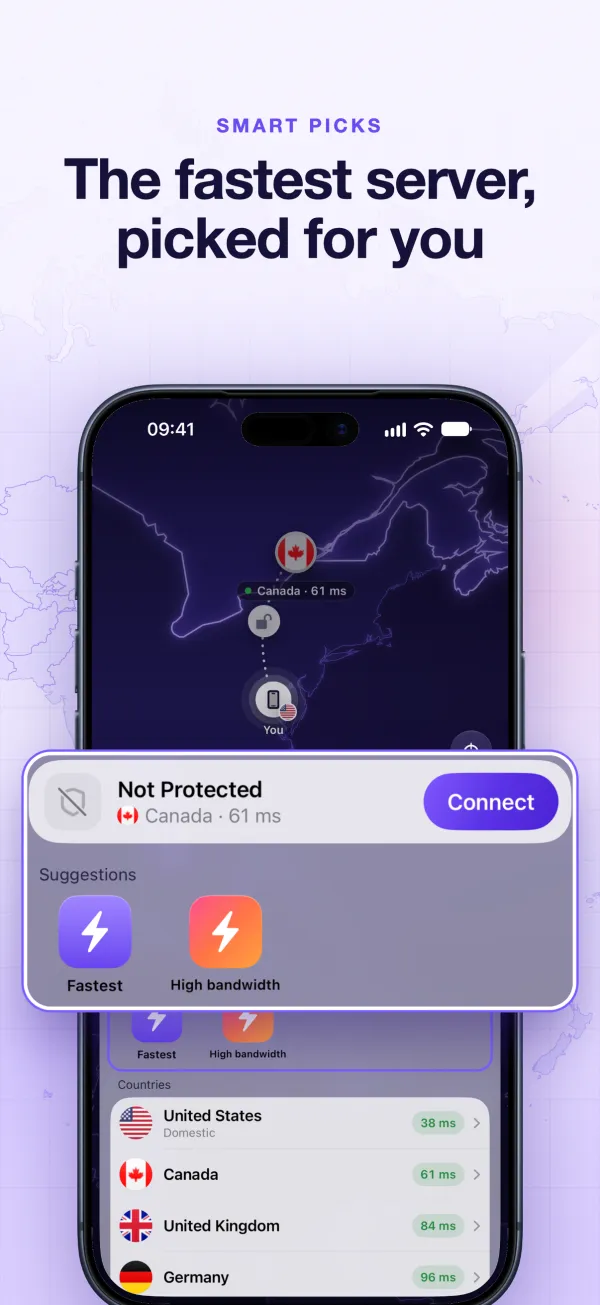
One-tap connect
VPN Lite measures the servers near you and picks the fastest one for you.
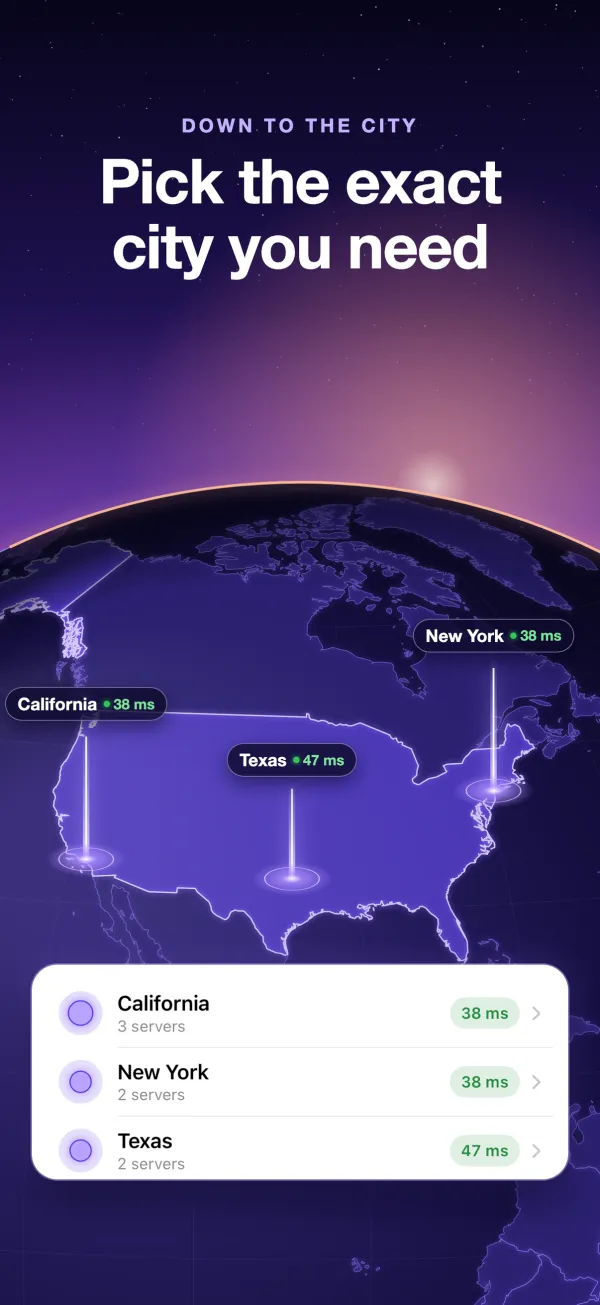
Pick down to the city
Browse servers on a live world map and choose a country, region or city.
Safe on public Wi-Fi
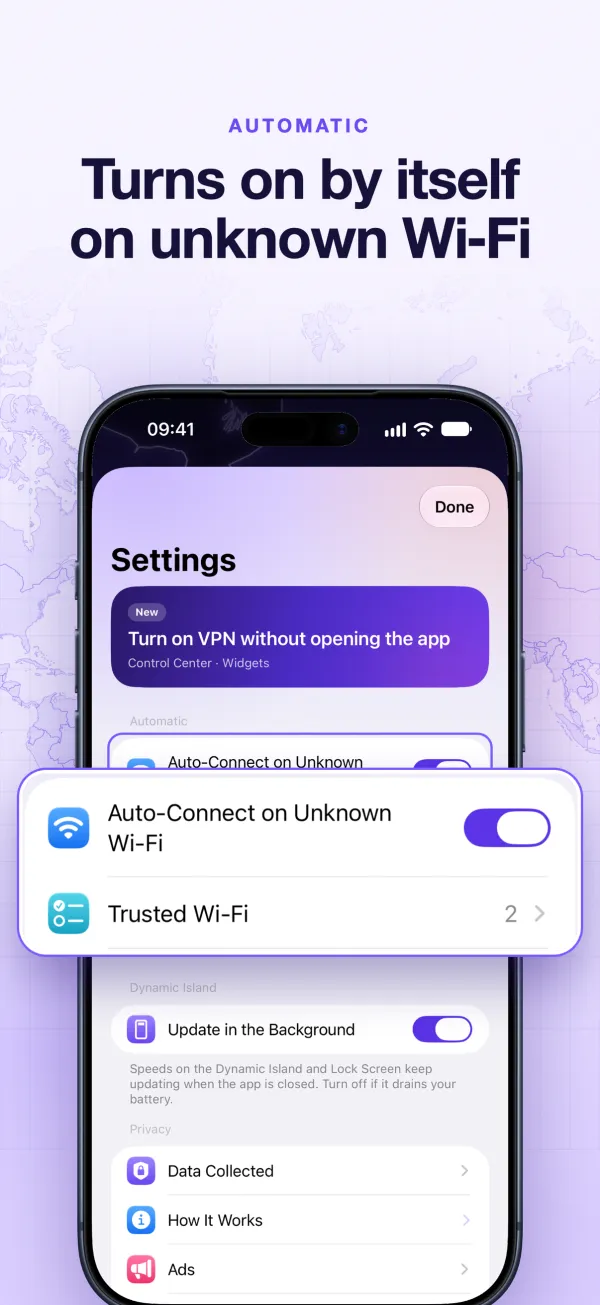
Turn on auto-protect and the VPN connects by itself on Wi-Fi networks you haven't marked as trusted.
New IP in a tap
Switch to another server or country whenever a site is slow or blocked.
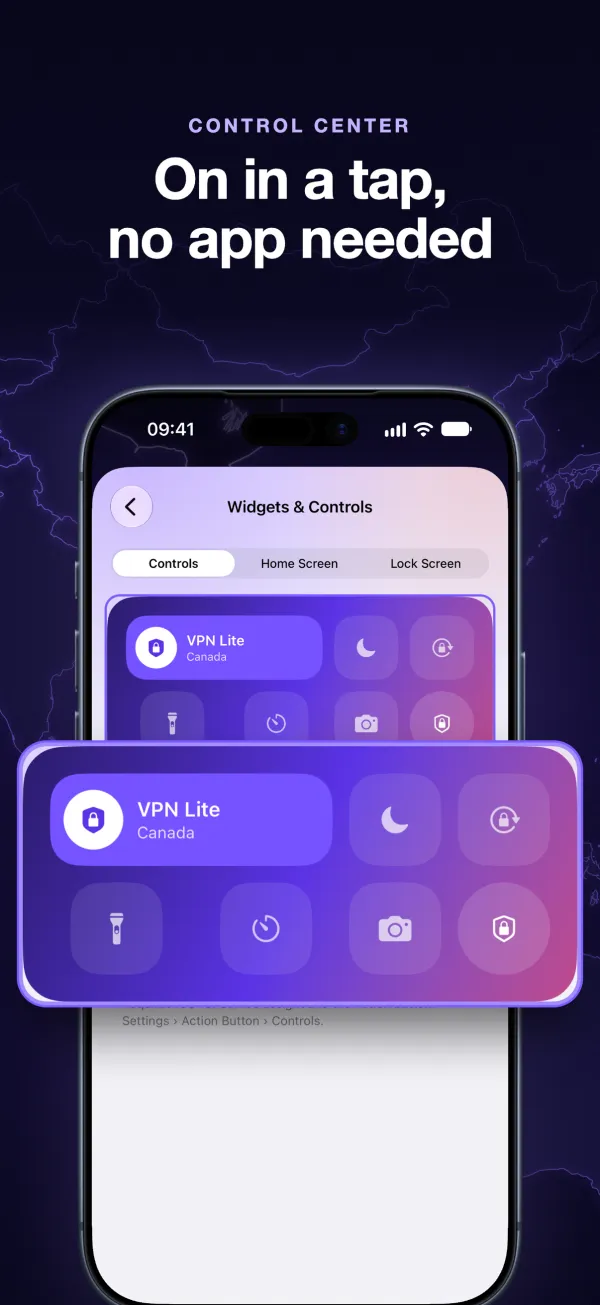
Control Center & widgets
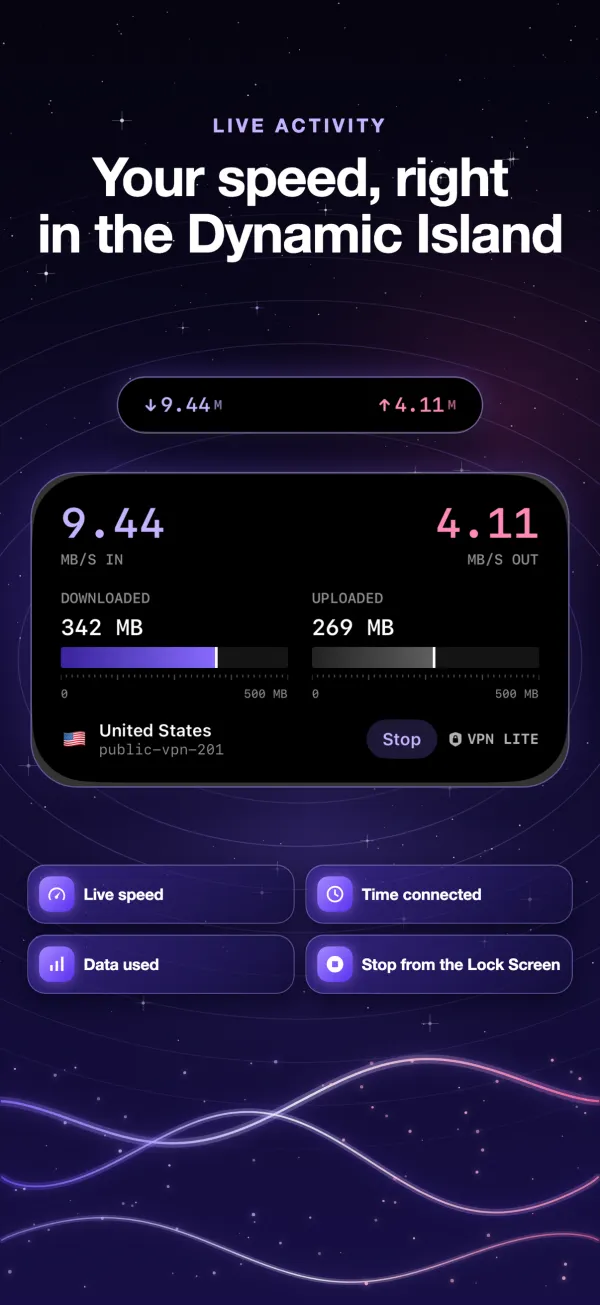
Turn the VPN on from Control Center or a widget, and follow it on the Lock Screen and Dynamic Island.
Free, no account
No sign-up and no paid plan. VPN Lite is free because it shows ads, and those ads are never personalized.
See it in action
A map you can actually explore, with live latency for every country.
Your data, in plain words
The same summary you see in the app before you connect. The Privacy Policy has the full details.
VPN Lite collects
- Crash reports to fix bugs. Not linked to you.
- Server problem reports, only when you send one.
- Ad data (IP address, device type) for Google AdMob, only while the VPN is off. Ads are never personalized.
VPN Lite does not collect
- Browsing history or the content of your traffic.
- Name, email, contacts or location. There is no account.
- Wi-Fi names. Your trusted networks stay on your device.
About the VPN servers: VPN Lite connects you to servers of the public VPN Gate network, run by volunteers. They are not operated by VietTS, and they keep their own connection logs. VietTS never records, sells or shares the sites you visit.

Get VPN Lite
Free on the App Store for iPhone and iPad.